
MOSS-Image on the R9700: a 1024x1024 image in 2.7 s at 8 steps, 1.8x faster than ComfyUI on a DGX Spark
Our engine now makes images: it runs MOSS-Image, a 5B text-to-image model, natively on the Radeon AI PRO R9700. A 1024x1024 image takes 2.7 s at 8 steps, 1.8x faster than ComfyUI on a DGX Spark at the same settings.
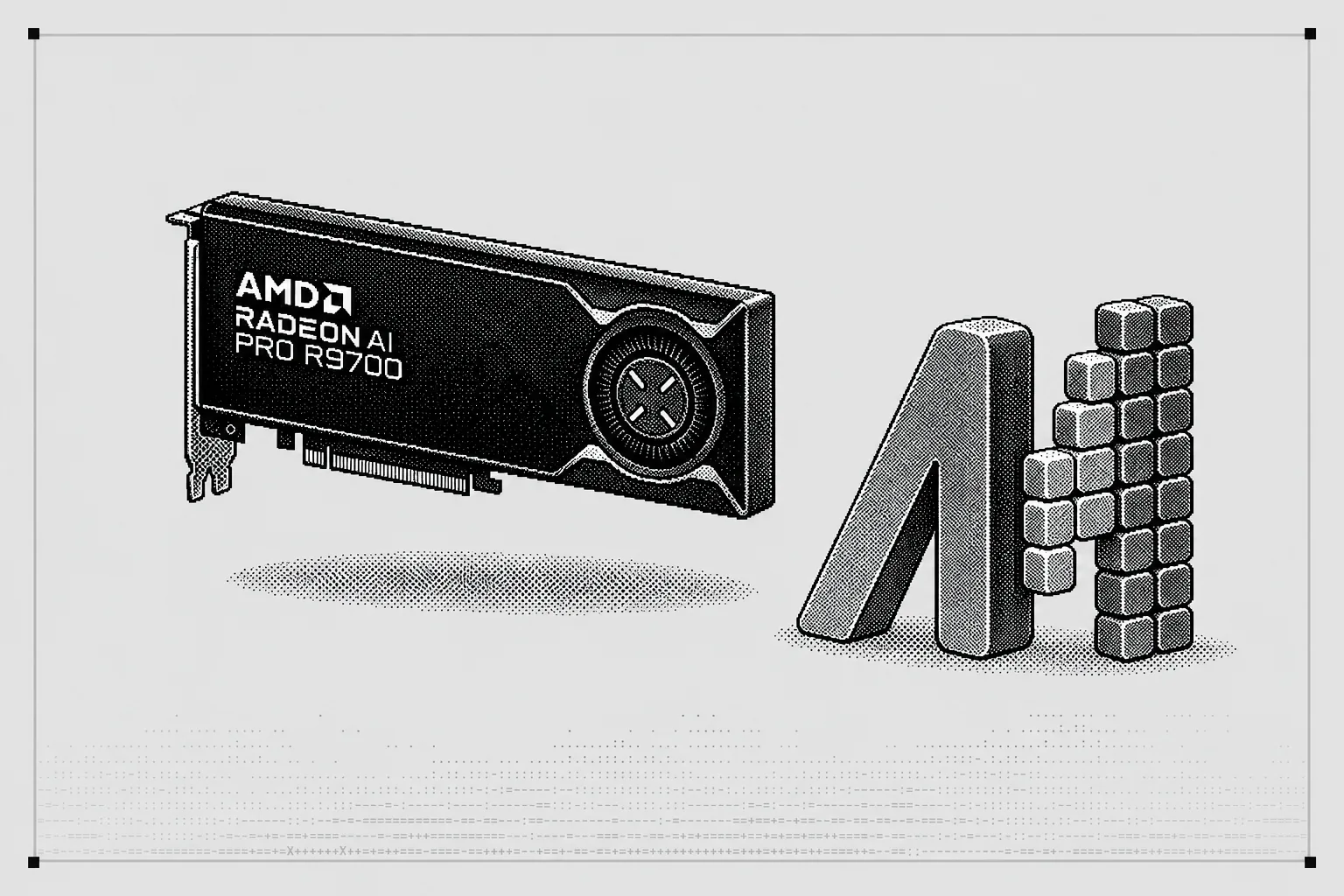
TL;DR
- Images from the engine. luce_server, our open-source engine, runs MOSS-Image natively on the R9700. A 1024x1024 image takes 2.7 s at 8 steps, from prompt to PNG.
- 1.8x ComfyUI on a DGX Spark. With the same weights, settings and an 8-bit text encoder, ComfyUI on a DGX Spark takes 5.0 s with a new prompt. A repeated prompt takes 4.2 to 4.5 s, and per step the R9700 is 1.5x faster.
- The full model, in int8. Nothing is distilled and no step is skipped: the speed comes from the kernels. Our int8 images also land closer to the bf16 model than stock stable-diffusion.cpp's.
- On a Lucebox, beside chat. A Lucebox also serves chat from its R9700, so there the image model takes turns with the chat model, and ComfyUI comes as an app.
Below, both machines make the same eight images, one request at a time, replayed from the timings we recorded. Both run the same int8 weights with an 8-bit text encoder and the full decoder.
Seconds per image
Each request is a new prompt, timed from the request to the finished PNG. On a DGX Spark, ComfyUI runs the same model at the same size, steps, sampler and CFG.
ComfyUI takes 5.02 s with our int8 weights, the full decoder and its 8-bit text encoder, and 5.34 s with its shipped files, whose 4-bit text encoder is the slower one on the Spark. Stock stable-diffusion.cpp takes 12.19 s on the same R9700 at its default settings.
ComfyUI keeps the last prompt's text encoding, so a repeated prompt skips that step. It then takes 4.22 to 4.54 s, against our 2.74 s with a new prompt: 1.5 to 1.7x.
| R9700, our engine | DGX Spark, ComfyUI with our int8 file | |
|---|---|---|
| Text encoding | 0.03 s | 0.55 s |
| Sampling, 8 steps | 2.53 s (0.32 s a step) | 3.87 s (0.48 s a step) |
| Decoding the image | 0.16 s | 0.47 s |
| PNG and HTTP, or saving | 0.03 s | 0.11 to 0.30 s |
DGX Spark: ComfyUI 0.42.0 with PyTorch 2.14.1 and CUDA 13.0, default launch flags, its native MOSS-Image nodes and its default sampler for the model. Its times are ComfyUI's own "Prompt executed in", averages of five to eight new prompts. They include saving a level-4 PNG to disk, but not the HTTP round trip.
R9700: medians of 9 images over three server starts, timed by the client, so our side counts more work, not less. Our server sends a level-1 PNG over HTTP.
We timed 8 steps at CFG 1, the engine's default. ComfyUI's MOSS-Image template uses 25 steps at CFG 2.5, and the model card 50 steps at CFG 3.
Per step at CFG 1, the R9700 runs the model 1.5x faster than the Spark: 0.32 s against 0.48 s. The text encoder, the decoder and the PNG make up the rest of the 1.8x, so the gap narrows as steps are added.
The same model, faster kernels
Nothing is distilled and no step is skipped. The weights are ComfyUI's int8 convrot format, written from the bf16 release, and the speed comes from kernels written for the R9700's RDNA4 chip.
- Each of the 42 transformer layers is 9 kernel launches. The int8 matrix multiplies finish the work around them in the same kernel, such as the normalization and rotary embedding that attention needs.
- Attention is a flash attention written for RDNA4, with its tiles double-buffered in on-chip memory.
- The decoder's convolutions run as matrix multiplies, with their inputs double-buffered in on-chip memory.
- The text encoder, Qwen3.5 9B, runs in the same engine that serves chat, so a new prompt encodes in 0.03 s.
The engine started as kernel patches to stable-diffusion.cpp. It follows that project's samplers and schedules and reproduces its noise bit for bit, so a seed starts from the same noise in both. With the text encoder on the R9700, the same request makes the same image after every restart.
How close to the full model
We compared each build's images with the bf16 weights run on stock stable-diffusion.cpp with flash attention off, its most exact mode. PSNR measures how close two images are: higher is closer.
| Build | Weights | After 1 step | After 8 steps |
|---|---|---|---|
| Stock stable-diffusion.cpp | int8 | 39.8 dB | 27.6 dB |
| Stock stable-diffusion.cpp | bf16 | 26.8 dB | |
| Our engine | int8 | 50.7 dB | 35.0 dB |
Our int8 images land closer to the reference than stock's, even when stock runs the bf16 weights. On this card, stock's default flash attention moves its images more than int8 does. Three prompts is a small sample, and these numbers measure closeness to the reference, not which image looks better.

Our default is CFG 1, which runs the model once a step, and at 8 steps some images come out misshapen. In a check by eye, 4 of 8 were, against 1 of 8 at CFG 2.5. CFG 2.5 runs the model twice a step and takes 5.2 s.
On a Lucebox: images beside chat
A Lucebox serves chat from the same R9700, so there the image model and the chat model take turns on the card. An image waits for the chat replies in progress, and new chat requests wait behind it.
The image model keeps the card for 10 s after each image, so a batch of images is not cut in two. The next chat request takes the card back, or the chat model returns by itself two minutes after the last image.
With standby, the text encoder runs on the Strix Halo's integrated GPU and the image weights wait in system memory. Two seconds after the last chat request, they go onto the R9700 beside the chat model in 1.6 s.
A chat request takes the weights off again in under 10 ms. Every image is the same, bit for bit, whether its weights were on the card or copied during the first step.
A Lucebox also runs ComfyUI as an app. Its Lucebox image node asks the box's image API for up to 8 images a run, so ComfyUI never runs a model itself.
Run it
The engine is open source. Build it for the R9700, fetch the model and start the server:
cmake -S server -B server/build -DCMAKE_BUILD_TYPE=Release \
  -DLUCE_GPU_BACKEND=hip -DLUCE_HIP_ARCHITECTURES=gfx1201
cmake --build server/build --target luce_server -j
cd optimizations/image_gen && ./fetch_models.sh
../../server/build/luce_server models/moss-image.gguf \
  --text-encoder models/Qwen3.5-9B-Q8_0.gguf --port 7860
It answers OpenAI's images API and AUTOMATIC1111's txt2img:
curl -s http://127.0.0.1:7860/v1/images/generations \
  -H 'Content-Type: application/json' \
  -d '{"prompt": "a red bicycle in a narrow street", "size": "1024x1024"}'
The engine's README has the full API and the method behind every number here.
A Lucebox needs none of this: the image model installs from Lucebox Manage, the dashboard that comes with the box, 15 GB in all.
What is next
With the text encoder on the Strix Halo, a prompt over 128 tokens can encode slightly differently from run to run, and its image with it. We have not found the cause yet. On the R9700 the same request always makes the same image.
Almost all of a step's 0.32 s is spent in the transformer's layers, so that is where the next gains have to come from.
Hardware and setup
| GPU | AMD Radeon AI PRO R9700 32 GB at 330 W, ROCm 7.2.4, Ubuntu. At its stock 300 W an image is about 1% slower. The race video ran on a second R9700. |
|---|---|
| Standby runs | The same R9700 beside a Ryzen AI MAX+ 395, whose Radeon 8060S runs the text encoder, with Qwen 3.8 27B as the chat model |
| Model | MOSS-Image SFT in ComfyUI's int8 convrot format, written from the bf16 release, with the full FLUX.2 decoder in one file. The release and ComfyUI's template use the small decoder. Text encoder: Qwen3.5 9B at Q8_0. |
| Workload | 1024x1024, 8 steps of er_sde on the simple schedule, CFG 1, a new prompt for each request. ComfyUI's template uses 25 steps at CFG 2.5, the model card 50 at CFG 3. |
| DGX Spark | NVIDIA GB10, ComfyUI 0.42.0 (main at b1a247c), PyTorch 2.14.1, CUDA 13.0, default launch flags. Text encoder: ComfyUI's Qwen3.5 9B, 8-bit with our file and in the race video, 4-bit with the shipped files. |
| stable-diffusion.cpp | Stock commit b13a482, built with ROCm for the R9700, default settings, the same int8 weights and full decoder |
Bottom line
MOSS-Image makes a 1024x1024 image in 2.7 s at 8 steps on one R9700, from the full model in int8. That is 1.8x ComfyUI on a DGX Spark at the same settings, and 1.5x a step. The engine is open source, and on a Lucebox the image model shares the R9700 with chat.
Measured by us in October 2026. MOSS-Image is an open model by the OpenMOSS team; the logo in the illustration is theirs. Our engine builds on stable-diffusion.cpp's samplers and noise and on ComfyUI's int8 convrot format and files: thanks to both projects.
Related
- Vision LLM inference: Lucebox has 3.2x the throughput of NVIDIA DGX Spark
- Running DeepSeek V4.1 Flash on the Lucebox memory hierarchy: up to 3x faster with the R9700
- Continuous batching: Qwen3.8-27B at 301 tok/s across five clients, up to 1.97× llama.cpp
Make images on your R9700
The engine is open source: build it, fetch the model and start the server.